
This page groups together several practical shortcodes that work well in a content-first Hugo theme. They are intentionally simple, easy to copy, and suitable for essays, notes, and documentation pages.
Fold
Use fold when a section should stay readable without taking too much vertical space.
{{< fold "Why this shortcode exists" >}}
This hidden block is rendered inside a native `<details>` element.
{{< /fold >}}
Why this shortcode exists
This hidden block is rendered inside a native<details> element, so it works without JavaScript and still feels natural in long-form writing.
Note
Use note for callouts such as tips, warnings, or side remarks.
{{< note type="info" title="Content-first" >}}
Pocket Hugo Theme keeps callouts readable without making them look like app UI.
{{< /note >}}Badge
Badges are useful for compact status labels inside paragraphs.
{{< badge "Stable" >}}
{{< badge text="Optional" type="info" >}}
{{< badge text="Experimental" type="warn" >}}
Stable Optional Experimental
Button
Use button when you want a stronger inline call to action than a normal text link.
{{< button href="/guide/" label="Open the Guide" >}}
{{< button href="/links/" label="Browse Links" style="ghost" >}}Video and audio
These shortcodes keep common media embeds consistent with the rest of the theme.
{{< video src="/media/demo.mp4" title="Local video" >}}Caption{{< /video >}}
{{< audio src="/media/demo.mp3" title="Audio clip" >}}Caption{{< /audio >}}
{{< youtube id="rdwz7QiG0lk" >}}YouTube embed{{< /youtube >}}
{{< bilibili bvid="BV1xx411c7mu" >}}Bilibili embed{{< /bilibili >}}Timeline
Use timeline when you want a process, update log, or historical sequence.
{{< timeline >}}
{{< timeline-item date="2026-01" title="Planning" >}}Outline the scope.{{< /timeline-item >}}
{{< timeline-item date="2026-02" title="Build" >}}Ship the first version.{{< /timeline-item >}}
{{< /timeline >}}Columns
Use columns when two ideas need to be compared side by side.
{{< columns >}}
{{< column >}}Left side{{< /column >}}
{{< column >}}Right side{{< /column >}}
{{< /columns >}}
Better for
- short comparisons
- feature summaries
- before/after notes
Avoid for
- long essay paragraphs
- deeply nested lists
- content that must stay linear
Gallery
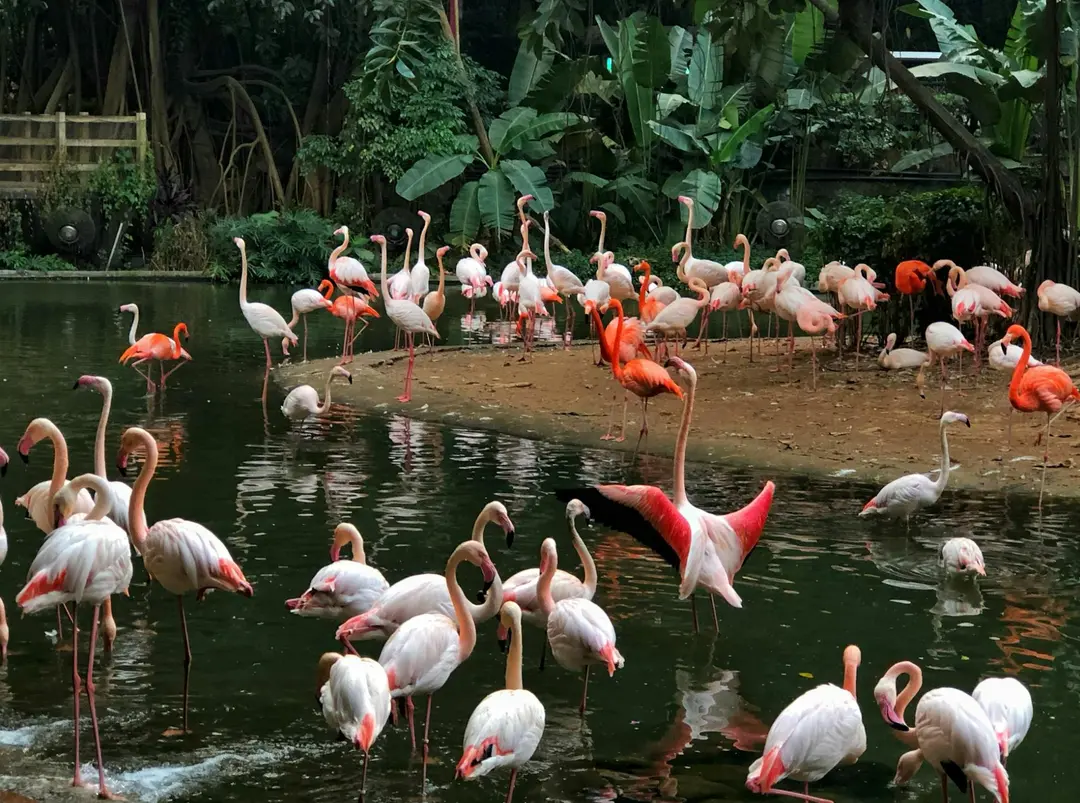
Use gallery when one article needs a compact image grid without writing a separate Markdown image block for every file.
{{< gallery pattern="sample*.webp" columns="3" >}}The shortcode reads matching image files from the current page bundle, renders them as a responsive grid, and reuses the built-in lightbox when you click a photo.





Why this matters
These shortcodes are not meant to turn the theme into a component library. They simply give writers a few reusable building blocks that fit the theme without adding a framework layer.